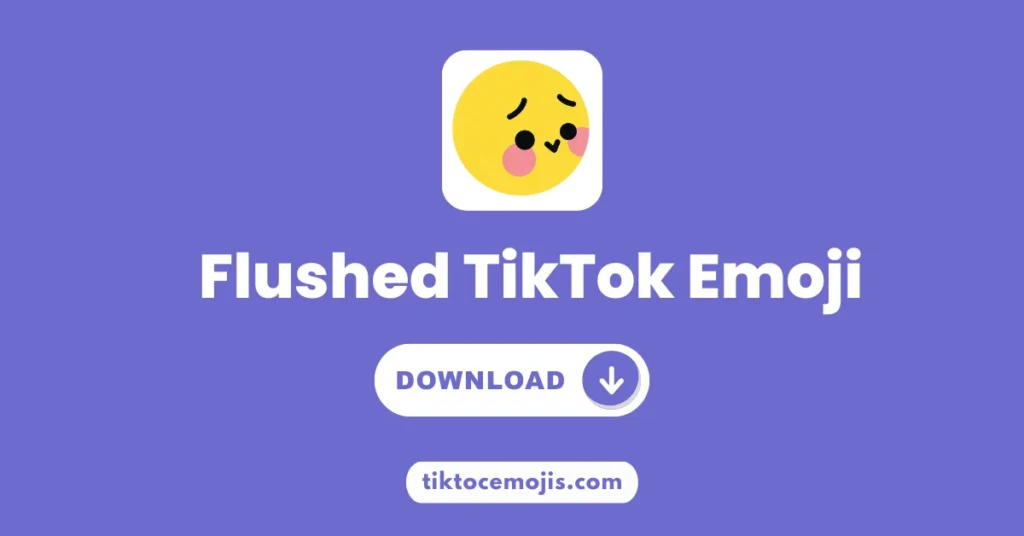

Surprised Tiktok Emoji
[Surprised]
You get surprised when you open the tiktok app and start watching trending videos, suddenly you are hit by a video and want to add emoji that can perfectly reflect your emotions. But when you see the comments you have found by many people,who have used an emoji that is purely a reflection of your feelings. You are looking for it in your device and start thinking how can I add this!
Don’t worry about it! We have a solution for your issue. Here this guide is completely for you where you will get the details of secret surprised tiktok emoji. You will learn here how you can use it in comments or even in video editing. So keep joining!
Other Top Trending Emojis




Surprised TikTok Emoji Transparent PNG
You are doing editing and want to add surprised emoji without any background. A PNG image file is available that is perfect for your editing purposes. You can use it as a sticker anywhere in your content.
Why do people use PNG?
A transparent PNG is perfect because it has no background at all. With a transparent background it is a very suitable option for the creators. In the case that you are working on a video in CapCut or TikTok app, you can get the Surprised PNG and put it over your video as a custom sticker.
What is the TikTok Surprised Emoji?
The emoji of Surprised is one of the icons from TikTok’s unique “Round-Face” emoji collection. The Round-Face set is different from the “Dumpling-Style” emojis (which are white and puffy) that uses colors such as pink, blue, and red to express powerful feelings. The [surprised] emoji has become the symbol for situations that are not really scary or frightening but are definitely unexpected or surprising.
Its Meaning:
The surprised emoji represents your unexpected reactions like small shock, amazement or when you see a video o tiktok that makes you unexpected and you just in the “wow” moments. You use it when something impresses you a lot and you are surprised by a funny plot twist.
Surprised Emoji TikTok Code
You have a secret code for surprised emoji which is given by tiktok controllers. This code is written in text form and has the ability to turn into emoji after uploading it.
The secret code for surprised emoji is: [surprised]
In the tiktok comments, tiktok video captions you simply type the code and the emoji character represents your exact feeling. But you have to write the correct code, a little mistakes in spellings or placing brackets you can’t get the emoji.
Tips to Use Code Correctly:
- There is all alphabets in small letters enclosed with brackets like: [surprised]
- Avoid to write it like this: [Surprised].
- You don’t have to add any space between the letters or brackets like: [ Surprised ] or [s-u-r-p-r-i-s-e-d].
How to use the Surprised Tiktok emoji
- First you have to open your tiktok app.
- Now go to the comments of any video or your own caption box, where you need to add it.
- In the next step, you have to type the word surprised inside square brackets, just like this: [surprised].
- Now, tap on “send” or “post”. Your text code will automatically convert into tiktok surprise emoji.
- For video or other editing graphics, the code will not work. You have to use the PNG version for editing purposes.
When You Should Use It:
You should use the Surprised TikTok emoji when something feels unexpected or shocking, such as:
- Plot twists in videos
- Amazing talent reveals
- Sudden transformations
- Shocking facts or reveals
- Unexpected endings
Examples:
- “That ending though 😲”
- “Did not expect that at all [surprised]”
When You Must Avoid It:
Avoid using this emoji in these cases:
- Sad or emotional stories (use ❤️ or 😢 instead)
- Serious announcements
- Calm or polite conversations
- Supportive comments on sensitive topics
Frequently Asked Questions
Why did my code stay as text?
There can be a small typo! Check that you used square brackets [] and not parentheses (), and make sure the word surprised is in all lowercase.
Is the Surprised emoji free?
Yes! All of TikTok’s secret emojis are free for every user on the app. You can get it free of cost from this page.
Can I use it in my TikTok bio?
Yes! You can paste the code [surprised] into your bio, and it will show up as the emoji for anyone viewing your profile.
Does it work on the TikTok website?
Yes, if you type the code while using TikTok on a computer browser, it will still turn into the emoji.
Can I use it in Direct Messages (DMs)?
Yes, the code works in comments, captions, and private messages within the TikTok app.
Is there a way to get it on my phone's keyboard?
No, there is no way to add it to your standard keyboard, but many users save the code in their “Text Replacement” settings for easy access!
What is the difference between [surprised] and [shock]?
[surprised] (pink) is for being impressed or saying “Wow!” while [shock] (blue) is for being scared or totally speechless.
Can I use it on Instagram?
No, these codes are exclusive to TikTok. On other apps, it will just show up as the words [surprised].