
Stun TikTok Emoji
[Stun]
Have you ever been scrolling through your For You Page late at night? You’re reading the comments on a totally wild video. Suddenly, you spot it. A really weird, cool-looking emoji that is definitely not on your normal phone keyboard. You check your iPhone or Android emoji list. Nothing. You swipe through the smiley faces again. Still nothing.
Other Top Trending Emojis
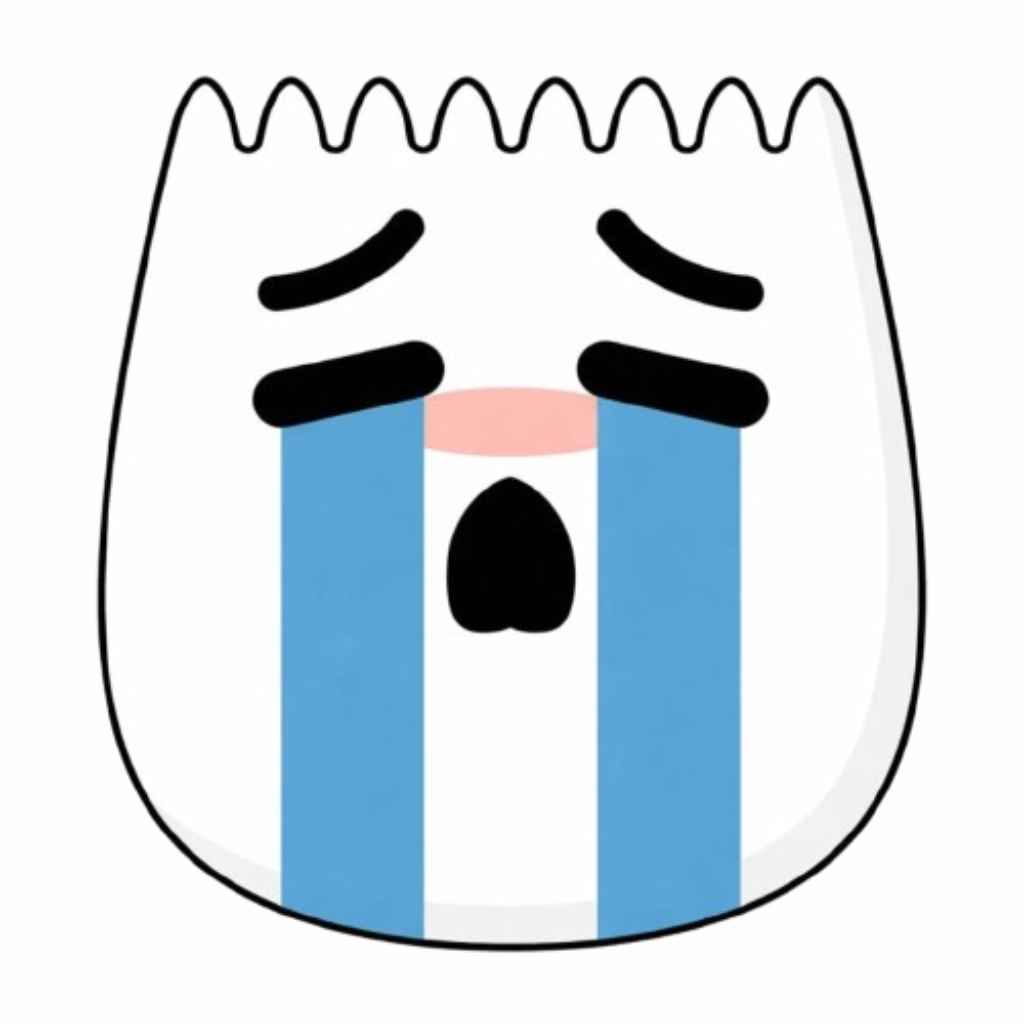

How did they do that? Are they genius hackers? Do they have a special phone? Nope. They just know a secret.
TikTok has a whole hidden language of emojis. And right now, the stun tiktok emoji is one of the absolute best ones you can use. If you want to know how to unlock this secret little face and totally impress your friends in the comment section, you are in the perfect place.
Let’s break down exactly what this hidden gem is, how you can type it today, and why everyone is going crazy over it. Check out this complete list of hidden TikTok emojis to unlock secret icons for your comments and bio.
What Exactly is the "Stun" TikTok Emoji?
If you haven’t seen it yet, let me paint a picture for you. The regular emojis we use every day are great. But they get a little boring. We all know the crying-laughing face. We all know the skull emoji. But TikTok decided to hide its very own custom graphics inside the app.
The stun TikTok emoji is a custom face made only for the TikTok app.
What Does It Look Like?
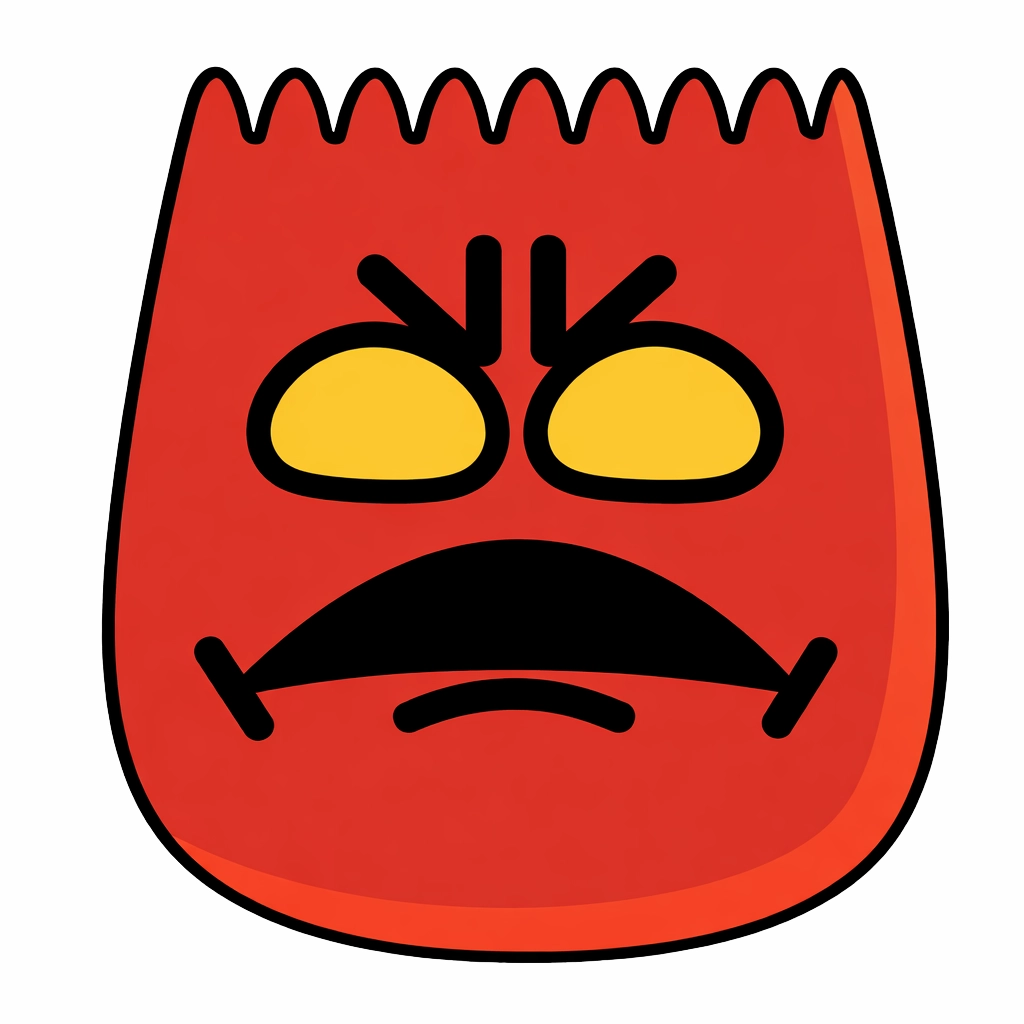
Imagine a little face that just saw the craziest magic trick in the world. Its eyes are wide open. Its mouth is slightly open in total shock. It looks completely frozen. Stunned. Flabbergasted.
Depending on your phone’s update, it usually looks a bit dizzy or totally overwhelmed. It perfectly captures that feeling of, “Wait, what did I just watch?”
Because it is a custom graphic designed by the TikTok team, it has a totally different art style than your Apple or Samsung emojis. It looks rounder, softer, and honestly, a lot more expressive. It stands out in a crowded comment section like a sore thumb. A really cool, secret sore thumb.
How to Unlock the Stun TikTok Emoji Right Now
Here is the best part. You don’t need to download any sketchy third-party keyboard apps. You don’t need to pay for anything. And you definitely don’t need to be a computer nerd to figure this out.
Unlocking the stun tiktok emoji just requires knowing a simple, magical little code.
The Secret Bracket Trick
TikTok uses a system called “shortcodes.” This means if you type a specific word inside a set of square brackets, the app’s computer system reads it and magically transforms that text into a picture.
Here is exactly how you do it, step by step:
- Open TikTok and find a video you want to comment on.
- Tap the comment box to pull up your regular phone keyboard.
- Find the square bracket symbol on your keyboard. It looks like this: [
- Type the word stun in all lowercase letters.
- Close the word with the other square bracket. It looks like this: ]
So, your final text should look exactly like this: [stun]
Boom. That is it. As soon as you hit the send button, those brackets and letters will disappear. In their place, the shocked, wide-eyed stun face will magically appear in the comment section.
When Should You Actually Use It?
Okay, so now you know the secret code. But when is the best time to drop the stun tiktok emoji? You don’t want to just spam it everywhere. You want to use it when it really counts.
This emoji is perfect for moments of pure disbelief. When your jaw hits the floor. Here are some of the absolute best times to use your new secret weapon:
- Insane Makeover Videos: You know those videos where someone looks totally normal, and then the beat drops, and suddenly they look like a Hollywood movie star? Drop a [stun] in the comments. It shows you cannot believe the glow-up.
- Crazy Sports Trick Shots: When someone bounces a ping pong ball off three walls, down a staircase, and into a plastic cup blindfolded. That is a stun moment.
- Wild Storytimes: TikTok is famous for crazy storytime videos. When a creator drops a massive plot twist about their crazy ex or a wild thing that happened at work, this is the perfect reaction.
- Life Hacks that Actually Work: Have you ever seen a cleaning hack or a math trick that makes you question everything you learned in school? The stun face is exactly what your brain is feeling.
- Unbelievable Talent: When a completely random person starts singing with the voice of an angel, or someone draws a hyper-realistic portrait in ten seconds.
Why Are Hidden Emojis So Popular on TikTok?
You might be wondering why TikTok hides these. Why not just put a button right on the screen so everyone can click it?
It’s all about the community. People love feeling like they are part of a secret club.
The Insider Feeling
When you scroll through comments and see a wall of regular crying faces, it gets repetitive. But when you drop a stun tiktok emoji, people instantly reply to you. They ask, “Wait, how did you do that?!”
It makes you look like a TikTok pro. It is a fun little easter egg that the app developers left for the super-fans to find. And sharing these codes with your friends feels like sharing a cheat code for a video game back in the day. It brings people together in a really silly, fun way.
Better Expressions
Let’s face it. Sometimes the regular emojis just don’t capture the exact vibe. The regular “shocked” face on an iPhone is okay. But it doesn’t really look stunned. It just looks surprised. The custom TikTok emojis are designed to match the exact energy of Gen Z and modern internet culture. They are more dramatic. More intense. And way funnier.
Troubleshooting: What if the Code Doesn't Work?
Sometimes, you might type [stun] and… nothing happens. Just the boring text sits there in the comments. Don’t panic. You didn’t break your phone. Here are a few reasons why it might not be working for you.
Check Your Spelling and Spacing
The TikTok computer system is very picky. If you type [ stun ] with spaces inside the brackets, it will fail. It has to be typed perfectly tight. No spaces.
Also, watch out for autocorrect! Sometimes your phone will capitalize the first letter, making it [Stun]. While the app usually accepts capital letters now, it is always safer to use all lowercase letters. And make sure you are using square brackets [ ], not parentheses ( ) or curly braces { }.
Update Your App
TikTok adds new secret emojis every few months. If you haven’t updated your app in a really long time, your version of TikTok might not even know what the stun tiktok emoji is yet.
Head over to the App Store or the Google Play Store. Search for TikTok. If there is a big blue button that says “Update,” click it! Once the new version is installed, try the code again. It usually fixes the problem instantly.
Where Can You Use It?
Keep in mind that these secret shortcodes only work inside the TikTok app. You can use them in the video comments. You can use them in direct messages (DMs) to your friends on TikTok. You can even put them in your video captions.
But if you try to text [stun] to your mom on iMessage, she is just going to get confused. It won’t work on Instagram, Snapchat, or YouTube either. It is a special treat just for the TikTok world.
Other Secret Emojis You Need to Try
Once you master the stun tiktok emoji, you are going to want to collect them all. It is highly addictive. Why use normal emojis when you have a whole secret keyboard in your brain?
Here are a few other awesome hidden codes you can try typing today. They all work the same way. Just put the word inside the square brackets!
The Best Codes for Funny Moments
- [wronged] – This creates a super sad, shy little face with fingers pointing together. It is perfect for when you are playfully pretending to be sad or asking for a favor.
- [slap] – This one is hilarious. It’s a little face getting smacked across the cheek. Great for when someone says something totally ridiculous in the comments.
- [cry] – Different from the normal crying emoji. This one looks absolutely devastated. Use it for sad animal rescue videos!
- [speechless] – A face with a tiny drop of sweat, looking totally confused and silent. Perfect for when a video is so weird you don’t even have words for it.
The Best Codes for Happy Moments
- [smile] – A very cute, squishy, and friendly pink face. It looks way happier than the standard yellow smile.
- [yummy] – A face licking its lips. Drop this in the comments of a crazy good-looking recipe video.
[loveface] – A custom graphic with hearts that just looks incredibly sweet.
The Future of Secret Emojis
TikTok is constantly changing. They add new filters, new sounds, and yes, new secret emojis all the time.
The stun tiktok emoji is a huge hit right now. But next year? There might be fifty new codes to memorize. Some users have even started making videos trying to guess what codes TikTok will add next.
This trend shows how much we love to communicate visually. Words are great. But a tiny, custom, wide-eyed graphic says “I am completely shocked” so much better than typing it out. It is fast, it is funny, and it connects us.
Conclusion
So, there you have it. The complete, inside scoop on one of the coolest hidden tricks on the internet right now.
You don’t need to be out of the loop anymore. The next time you see a video of someone pulling off an impossible stunt or telling a story that makes your brain hurt, you know exactly what to do. Pull up your keyboard. Find those square brackets. Type the word.
Using the stun TikTok emoji is like a secret handshake for people who truly understand internet culture. It proves you know your way around the app. So go ahead, open up TikTok, find a wild video, and test it out. Watch how many people like your comment just because you used a graphic they haven’t figured out yet.
Have fun, keep scrolling, and stay stunned!
Frequently Asked Questions
Can I use the stun emoji in my TikTok bio?
Yes! You can definitely use the bracket codes in your profile bio. It is a great way to make your profile page stand out from everyone else who is just using normal emojis.
Does the stun code work on Android and iPhone?
Absolutely. Because the secret code is built into the TikTok app itself, it does not matter what kind of phone you have. As long as the app can read the text [stun], it will generate the image on both Apple and Android devices.
Why does the stun emoji look different on my friend's phone?
Sometimes, TikTok rolls out small visual updates to different regions at different times. A user in the UK might see a slightly different shade of color than a user in the US. Also, depending on whether you are in dark mode or light mode, the outline of the emoji might look a tiny bit different, so it pops against the background.
Is there a list of every single secret TikTok emoji?
TikTok doesn’t publish an official list, which is part of the fun! But internet sleuths are always testing new words. There are roughly 40+ known secret emojis right now. If you search “secret TikTok emojis” on the app, you will find tons of videos where creators share long lists of codes to try!
Will TikTok ever get rid of these hidden emojis?
Nobody knows for sure, but it is highly unlikely! They are incredibly popular and keep users engaged in the comment sections. If anything, TikTok will probably keep adding more codes for us to discover.