Some moments on TikTok are too awkward for words. When you trip in public, send a message to the wrong person, or watch a video that gives you secondhand embarrassment, the Embarrassed TikTok emoji says it all. It is one of TikTok’s 46 hidden secret emojis, and it shows a teal face glancing sideways with a large sweat drop on its brow.

In this guide, you will learn the exact Embarrassed TikTok emoji code, what it means, how it is different from the other shy and awkward emojis on TikTok, where it works, and when to use it. You can also download the Embarrassed TikTok emoji PNG image for free and use it in your own edits, thumbnails, and posts.
What Is the Embarrassed TikTok Emoji?
The Embarrassed TikTok emoji is a secret, platform-exclusive reaction face built into the TikTok app. It shows a round, teal-colored face with a worried, sideways glance and a big white sweat drop on its brow. It is the face of being caught out: flustered, uneasy, and wishing the ground would swallow you up, but in a funny, relatable way.
Like all of TikTok’s secret emojis, the Embarrassed emoji does not appear on your phone’s regular emoji keyboard. You cannot find it by scrolling through the smileys on your iPhone or Android device. TikTok designed these hidden emojis to look exactly the same on every device, so everyone who sees your comment sees the same flustered teal face.
One important detail confuses many users: the Embarrassed emoji is not the same as the standard blushing smiley on your keyboard. The TikTok version is a specific hidden artwork, and the only way to summon it inside TikTok is with its secret code.
Embarrassed TikTok Emoji Code: [embarrassed]
The secret code for the Embarrassed TikTok emoji is:
[embarrassed]
That is all there is to it. Type the word “embarrassed” inside square brackets, using all lowercase letters, and TikTok will automatically convert it into the Embarrassed emoji face when you post your comment or caption. You do not need to download anything, install an app, or change any settings.
Type the code exactly right. If you add a space inside the brackets, use a capital letter like [Embarrassed], or misspell the word, TikTok will not convert it, and your comment will simply show the plain text instead of the emoji face.
Embarrassed TikTok Emoji Meaning
The Embarrassed TikTok emoji means embarrassment, awkwardness, nervousness, and secondhand cringe. It is the face you make when something uncomfortable has just happened and everyone saw it. Unlike a sad emoji, it is not really about grief; it is about that hot-cheeked, “oops” feeling.
It is used in three main ways. The first is personal: reacting to your own awkward moment, like a typo in a public comment or a failed dance attempt. The second is sympathetic: reacting to someone else’s cringe video with a face that says “I felt that.” The third is humorous: exaggerating a mildly awkward situation for comedic effect.
Here are the most common meanings of the Embarrassed emoji on TikTok:
- Awkward moments: Tripping, mispronouncing a word, or being caught staring.
- Secondhand embarrassment: Watching a cringe video that makes you squirm on someone else’s behalf.
- Shyness: Reacting to a compliment or a cute moment that leaves you flustered.
- Self-deprecating humor: Laughing at your own mistakes before anyone else can.
- Nervousness: Admitting you are anxious about a date, a performance, or a big message.
Context decides the tone: on a fail video it is funny, on a heartfelt video it is shy and sweet. Either way, it signals discomfort, not sadness or anger.
Embarrassed Emoji vs Other TikTok Shy Emojis
TikTok has several shy and awkward emojis, and picking the right one matters. The table below compares the Embarrassed emoji with the other faces in the secret emoji set that express similar feelings.
| Emoji Code | What It Shows | Feeling | Best Moment to Use It |
|---|---|---|---|
| [embarrassed] | Teal face, sideways glance, sweat drop | Flustered, caught out | Cringe moments and awkward fails |
| [awkward] | Nervous, uneasy face | Socially awkward | Uncomfortable silences and weird encounters |
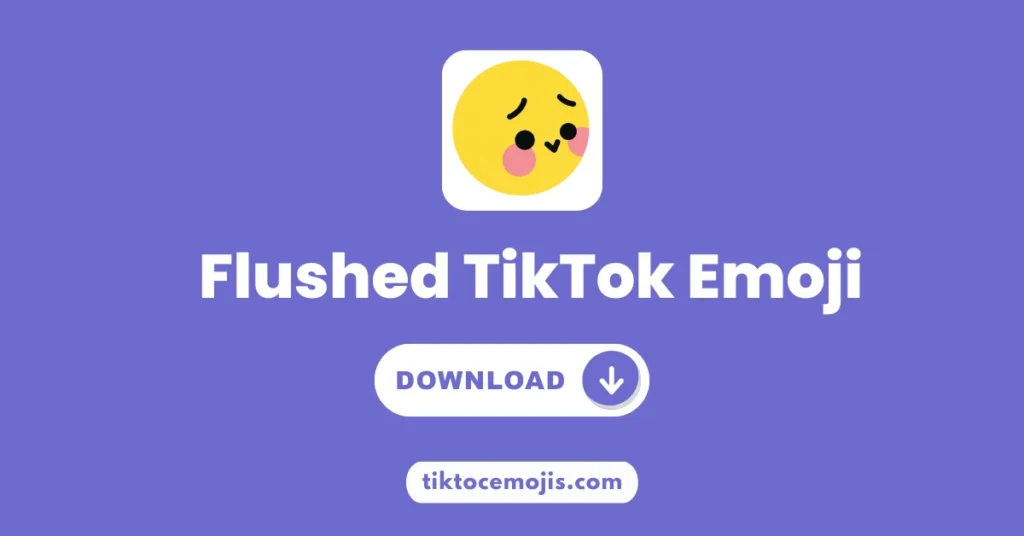
| [flushed] | Blushing, overwhelmed face | Shy excitement | Compliments, crushes, and cute moments |
| [wronged] | Sad eyes, fidgeting fingers | Shy guilt | Apologizing or feeling wrongly blamed |
| [speechless] | Blank, stunned face | Lost for words | Shocking reveals and plot twists |
The key difference is the sweat drop. If the moment made you nervous enough to sweat, [embarrassed] is the right pick. If it just made you blush, [flushed] fits better. If you simply do not know what to say, [awkward] or [speechless] may suit the comment more.
How to Use the Embarrassed Emoji on TikTok
Using the Embarrassed emoji is simple, but it only works inside TikTok itself. Follow these steps:
- Open the TikTok app on your phone and find the video you want to comment on.
- Tap the comment box and type [embarrassed] in all lowercase letters, with no spaces inside the brackets.
- Post the comment. TikTok will replace the code with the teal embarrassed face.
- If the code stays as plain text, check your spelling, update the app, and try again in a fresh comment.
The code works in comments and captions on the mobile app. It does not convert on a regular phone keyboard, in other apps, or on the desktop website in the same way, because the artwork belongs to TikTok’s hidden emoji set.
When to Use the Embarrassed Emoji
The Embarrassed emoji shines in everyday, relatable content. Use it when you react to a fail compilation, when a creator shares an awkward storytime, when you admit to a small mistake in your own video, or when a comment thread turns hilariously uncomfortable. Creators also use it in captions for “storytime gone wrong” videos, because viewers instantly recognize the feeling.
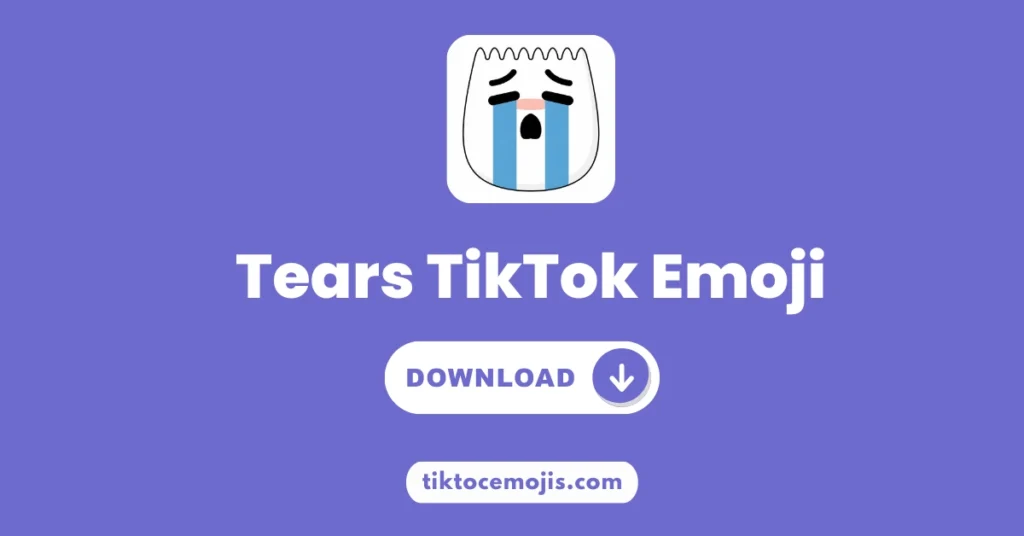
Avoid using it for genuinely serious or upsetting content. Because the face reads as funny-flustered, it can look dismissive on a sad or sensitive video. For sincere sadness, the Weep [weep] emoji or a plain supportive comment is a better choice.
Embarrassed TikTok Emoji PNG Download
You can download the Embarrassed TikTok emoji PNG image from this page for free. Use the Download Emoji button near the image at the top of this guide. The PNG works well in video edits, thumbnails, reaction images, and comment screenshots, because the teal face stands out clearly against most backgrounds.
If you collect TikTok’s hidden emojis, pair this one with [awkward] for social fails and [wronged] for shy apologies. Together, they cover almost every awkward moment TikTok can throw at you.
Frequently Asked Questions
What is the Embarrassed TikTok emoji code?
The code is [embarrassed], typed in all lowercase letters inside square brackets. TikTok converts it into a teal face with a sweat drop when you post it.
What does the Embarrassed emoji mean on TikTok?
It means embarrassment, awkwardness, nervousness, or secondhand cringe. It is used for funny-flustered moments, not for serious sadness.
Why is my [embarrassed] code not working?
Check that you typed it in lowercase with no spaces inside the brackets, that you are using the TikTok mobile app, and that the app is up to date. A misspelling is the most common cause.
Is the Embarrassed emoji the same as [flushed]?
No. [embarrassed] shows a teal, worried face with a sweat drop for cringe moments, while [flushed] shows a blushing face for shy excitement or crushes.
Can I use the Embarrassed emoji outside TikTok?
The code only converts inside TikTok. Outside the app, you can use the downloaded PNG image from this page in your own edits and posts.
Conclusion
The Embarrassed TikTok emoji is the perfect reaction for every “I cannot believe that just happened” moment. Type [embarrassed] in a TikTok comment or caption, and the teal, sweating face will do the talking for you. Download the PNG from this page, save the code, and next time embarrassment strikes, you will already have the perfect reply ready.